
Six touch screen projects, six different requirements
Every touch screen project looks similar on a quotation: size, resolution, touch points, interface and quantity. In reality, the environment and the interaction decide the specification. Below are six project types we build for, with the requirements that shaped the hardware. The details are representative of real installations; customer names are omitted.
Case 1: Self-service kiosk in a shopping mall
Requirement: a 32-inch touch display for wayfinding and promotions, running Android, with a slim enclosure and remote content management.
Configuration: 32-inch projected capacitive touch display, 10-point touch, anti-glare glass, fanless Android panel PC, Ethernet and Wi-Fi, VESA mounting.
Why it worked: the capacitive touch gave a phone-like experience, the fanless design kept dust out of the enclosure, and the Android platform allowed the integrator to deploy content remotely. A 32-inch screen was large enough to read from three metres but small enough to fit a standard mall stand.
Case 2: Restaurant self-ordering terminal
Requirement: a 21.5-inch portrait touch screen that works with greasy fingers, survives cleaning and fits a counter-mounted enclosure.
Configuration: 21.5-inch PCAP panel PC, IP65 front, 10-point touch with wet-finger tuning, fanless Intel N-series processor, Windows 11 IoT, 500-nit display.
Why it worked: the sealed front and tuned controller handled cleaning and greasy fingers; the fanless design avoided drawing cooking oil into the electronics; the Windows platform ran the customer’s existing POS software.
Case 3: Hospital check-in and wayfinding
Requirement: a 43-inch touch display for patient check-in, with a cleanable surface, quiet operation and a 24/7 duty cycle.
Configuration: 43-inch PCAP touch display, anti-glare glass, fanless box PC, VESA mount, medical-grade power supply, remote management.
Why it worked: the capacitive surface could be wiped with hospital disinfectant, the fanless player produced no noise in a waiting area, and the commercial-grade panel was rated for continuous operation.
Case 4: EV charging station interface
Requirement: a 10.1-inch touch display for an outdoor charging station, readable in sunlight, resistant to rain and temperature extremes.
Configuration: 10.1-inch high-brightness panel PC, 1,000-nit display, anti-glare and UV-resistant glass, IP65 front, wide-temperature operation, 4G connectivity.
Why it worked: brightness was specified on the finished unit, not the bare LCD; the IP65 front and wide-temperature design handled outdoor conditions; the panel PC integrated the payment and monitoring software without a separate box.
Case 5: Warehouse picking station
Requirement: a 15-inch touch terminal that works with gloves, connects to a barcode scanner and survives dust and vibration.
Configuration: 15-inch industrial panel PC, PCAP touch tuned for gloves, IP65 front, fanless design, RS232 and USB for the scanner, VESA arm mount.
Why it worked: glove tuning removed the need for a stylus; the industrial I/O connected the scanner without adapters; the fanless enclosure survived a dusty warehouse.
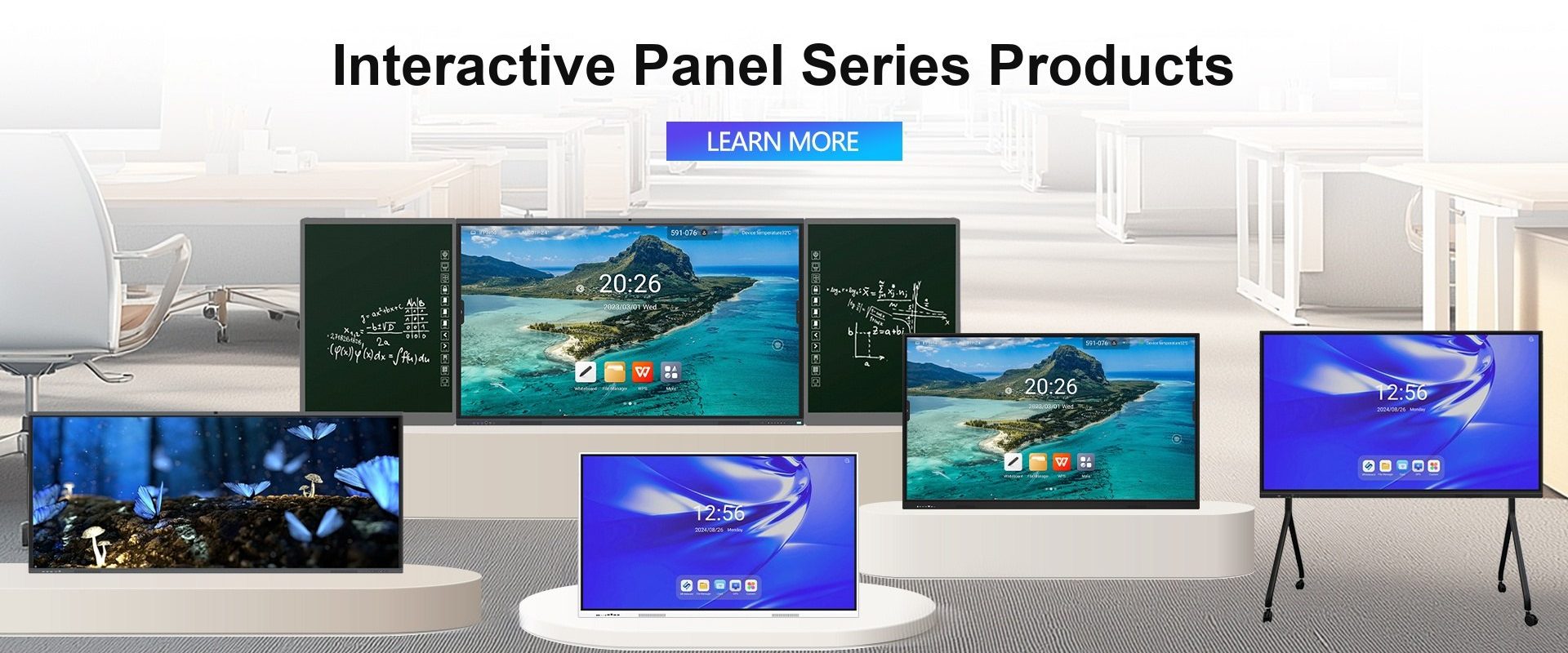
Case 6: Classroom interactive display
Requirement: a 75-inch 4K interactive flat panel for a 30-student classroom, with wireless casting, pen input and central management.
Configuration: 75-inch 4K IFP, 20-point infrared touch, anti-glare glass, Android platform with optional OPS module, wireless casting, wall mount.
Why it worked: 20-point touch allowed several students to write at once; the anti-glare glass kept the board readable with the lights on; the OPS slot gave the school a Windows upgrade path.
What the six cases have in common
- The environment drove the specification, not the datasheet.
- Touch technology was chosen for the input: gloves, grease, pen, multi-user.
- Sealing and thermal design mattered more than processor speed in four of the six.
- The upgrade path — OPS, box PC or standard I/O — protected the investment.
How to brief a touch screen factory
Send the following and you will get a useful answer instead of a catalogue:
- Application and environment (indoor, outdoor, dust, water, temperature).
- Size and orientation.
- Touch requirement (gloves, pen, multi-user, single user).
- Operating system and software.
- Interfaces and peripherals.
- Mounting method.
- Target quantity and annual volume.
- Certification and destination market.
We build the hardware for all six cases above: industrial panel PCs, industrial and outdoor monitors, commercial signage, interactive flat panels, touch frames and overlays, and rugged tablets.
Send your brief and we will reply with a recommended configuration, a drawing and a factory price.
Frequently asked questions
Can you build a custom-size touch display?
Yes. Custom sizes are available for infrared frames and capacitive overlays, subject to tooling and minimum quantity.
Do you provide the enclosure as well as the display?
We provide the display, touch stack, PCBA and panel PC integration. For complete kiosk enclosures, we can work with your mechanical designer or recommend a partner.
What is the MOQ for a custom project?
It depends on the size and tooling. Standard sizes can be ordered from one piece; custom sizes are quoted individually.