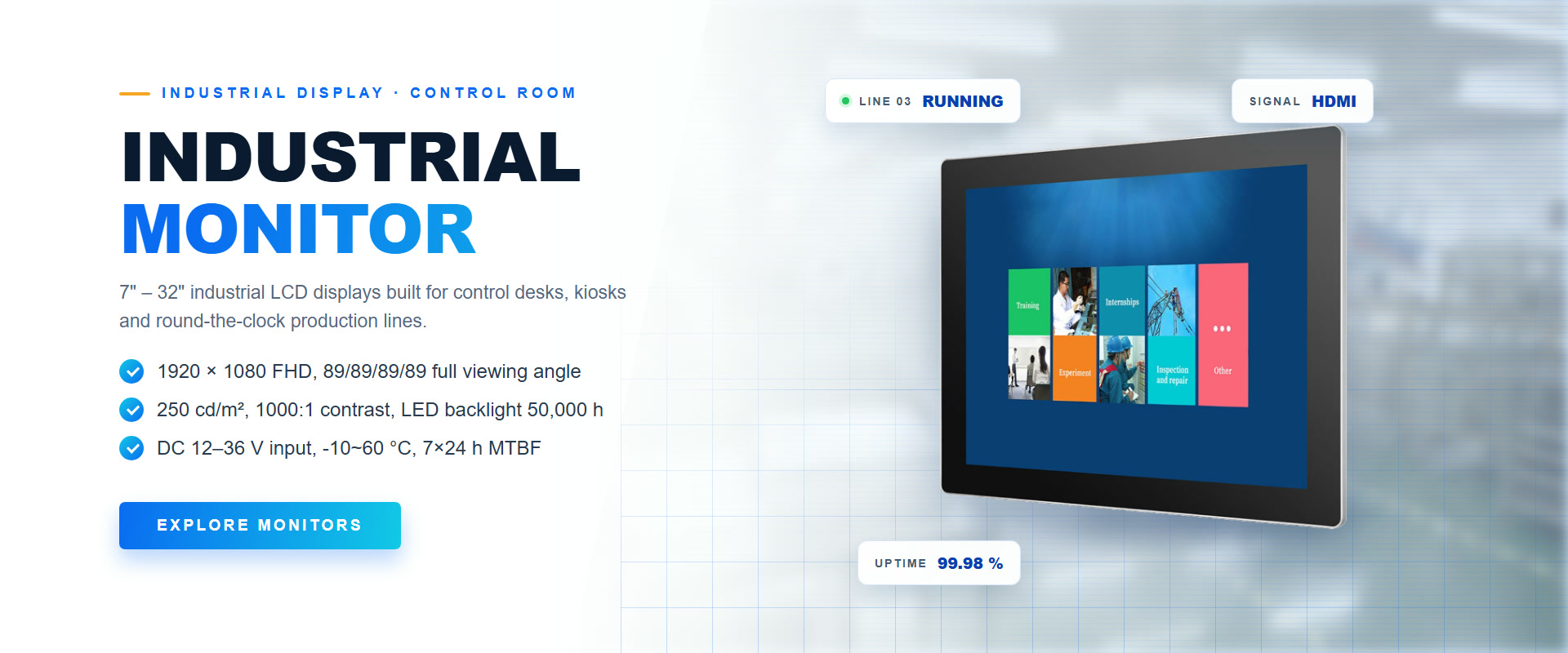
What is an industrial monitor?
An industrial monitor is a display built to run continuously in a factory, kiosk, control cabinet, vehicle or outdoor enclosure. It differs from a consumer monitor in the parts that fail first in those places: the chassis, the mounting system, the power input, the panel and the service life. A consumer screen is designed for a desk and a few hours a day. An industrial monitor is designed for a cutout, a 24/7 duty cycle and an environment with dust, vibration or sunlight.
That difference explains why buyers searching industrial monitor, industrial touch monitor or industrial display find prices that vary by a factor of three for what looks like the same size and resolution. This guide separates the three form factors, explains brightness in nits, shows what optical bonding actually fixes, and ends with a specification checklist you can send to any supplier.
Open frame vs panel mount vs chassis monitor
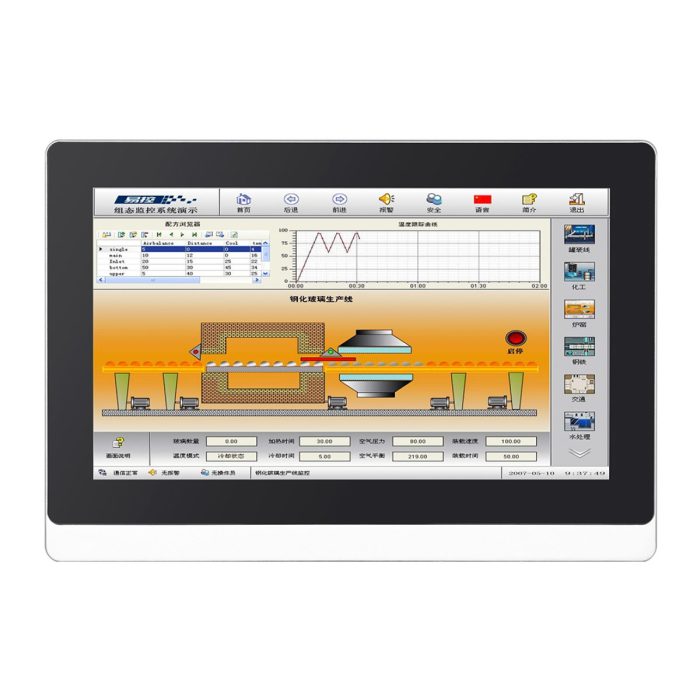
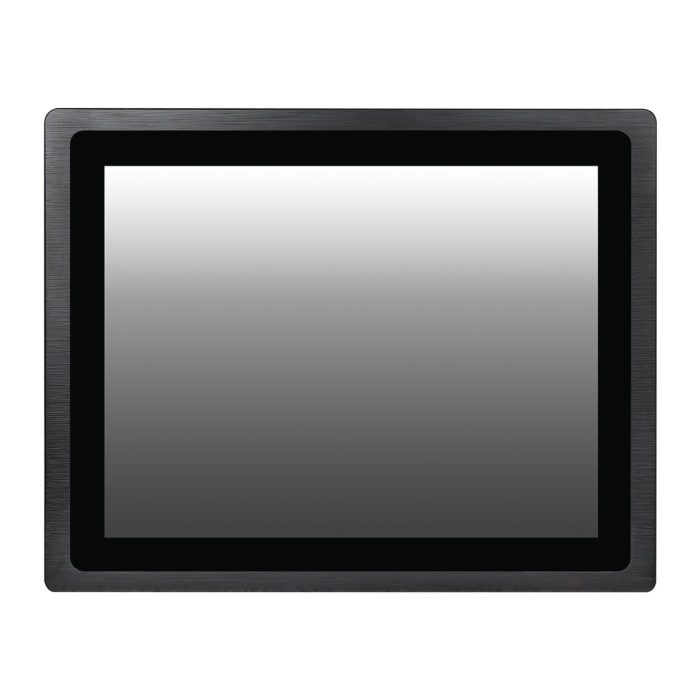
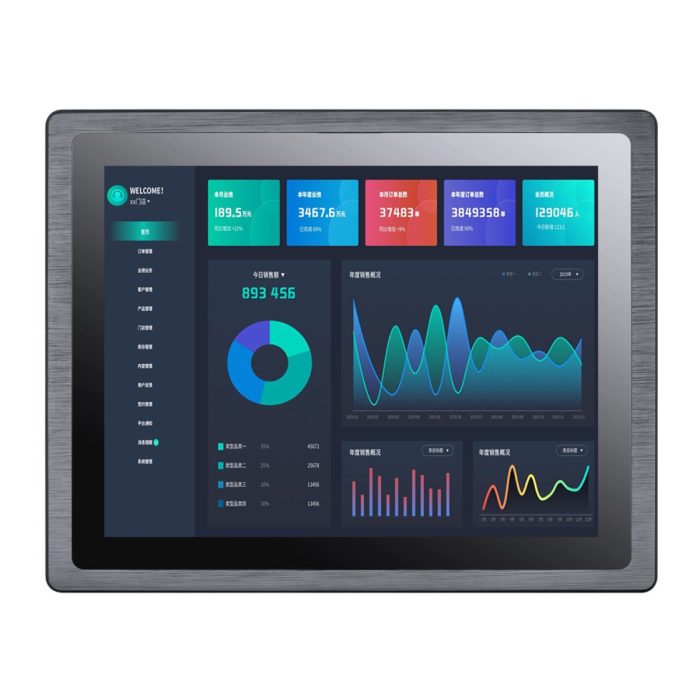
The form factor decides how the monitor enters the machine, so it should be chosen before the panel. An open frame monitor has no enclosure — just the LCD, the backlight and a driver board on a metal frame. A panel mount monitor has a front bezel with a gasket and clamps that pull it into a cutout. A chassis monitor is an enclosed unit that stands on a desk, hangs on a VESA arm or bolts to a wall.
| Form factor | What you receive | How it mounts | Best for | Watch out for |
|---|---|---|---|---|
| Open frame monitor | Panel, backlight and controller, no housing | Screwed into your own enclosure or kiosk | OEM equipment, self-service kiosks, gaming and vending machines | You own heat management, EMC and cable strain relief |
| Panel mount monitor | Front bezel, seal and mounting clamps | Clamped into a panel cutout from the front or rear | Machine HMI, control cabinets, production cells | Cutout tolerance and gasket compression decide the IP rating |
| Chassis monitor | Complete metal housing, stand or VESA holes | Desk, wall, arm or trolley | Control rooms, test benches, retrofits | Not sealed; the front is usually the only protected surface |
An open frame monitor kit usually adds the cables, the touch controller and a mounting frame, which sounds convenient but shifts integration work back to the supplier. If you are building a kiosk, ask what the kit includes before comparing prices with a bare panel.
How bright does an industrial monitor need to be?
Brightness is measured in nits (cd/m²) on the finished product, not on the bare LCD. The number that matters is the one measured after the cover glass, the touch layer and the bonding process are in place, because each layer removes light. A panel rated at 500 nits can leave the factory at 350 nits once it is sealed behind glass.
| Environment | Typical brightness | What else matters |
|---|---|---|
| Office, control room, indoor HMI | 250–400 nits | Matte surface, low reflection, comfortable viewing distance |
| Bright factory hall or retail floor | 400–700 nits | Anti-glare treatment, wide viewing angle, 24/7 backlight |
| Semi-outdoor, window or covered walkway | 700–1000 nits | UV protection, wide temperature range, sealed front |
| Direct sunlight, outdoor kiosk or forecourt | 1000–2500 nits | Optical bonding, anti-reflective glass, thermal design |
For a sunlight readable display the glass matters as much as the backlight. A 1000-nit panel behind untreated glass can be harder to read outdoors than a 700-nit panel with an anti-reflective bonded front, because the reflection of the sky is brighter than the image. When a supplier quotes high brightness display numbers, ask whether they are measured at the panel or at the front glass.
What optical bonding actually fixes
In a normal assembly there is an air gap between the LCD and the cover glass. That gap creates two extra reflective surfaces, traps dust and moisture, and lets condensation form when the temperature swings. Optical bonding fills the gap with a transparent resin that matches the refractive index of the glass.
- Contrast. Internal reflections drop sharply, so blacks stay black under strong ambient light.
- Fogging. With no air gap there is nowhere for moisture to condense — important in cold stores, vehicles and washdown areas.
- Ruggedness. The bonded stack is stiffer and spreads impact, which reduces the chance of a cracked panel.
- Parallax. Touch accuracy improves slightly because the touch layer sits closer to the image.
The trade-off is serviceability: a bonded module is harder to repair, so the bonding process and the rework policy matter as much as the optical result. Ask for the bonding method, the adhesive type and the tested temperature range, not just the phrase what is optical bonding in a brochure.
Touch technology, sealing and IP rating
Most industrial monitors can be ordered as a plain display, a capacitive touch screen or an infrared touch monitor. Projected capacitive is the default for a flush, sealed front and multi-touch gestures. Infrared suits large formats, gloved hands and retrofits because the touch layer sits outside the image. The infrared vs capacitive comparison explains where each one wins.
Sealing is a separate decision. A front rating of IP65 or IP66 protects against dust and water jets, which covers most factory and outdoor cabinets. IP69K is specified for high-pressure, high-temperature washdown in food and beverage plants, and IP67 adds temporary immersion. The rating only holds if the gasket, the cable glands and the mounting surface are all part of the tested assembly — a sealed monitor clamped into a warped cutout is no longer sealed. Our guide to IP ratings for industrial touch displays breaks down each level.
For outdoor use, also check the operating temperature range, UV stability of the front glass and humidity tolerance. A unit rated from −20 to 70 °C with a 95% non-condensing humidity limit covers most exposed installations without a heater or fan.
Sizes, aspect ratios and interfaces
Industrial monitors are not sold in the same size ladder as consumer screens. The common formats are 7, 10.1, 12.1, 15, 15.6, 17, 19, 21.5, 23.8, 27 and 32 inches, in both 4:3 and 16:9. The 4:3 sizes survive because they replace displays on machines that were designed years ago and cannot change their bezel. For a new build, 16:9 is easier to source and cheaper per inch.
Interfaces should match the controller you already have: HDMI or DisplayPort for video, VGA or DVI for legacy machines, USB for touch, and RS-232 when the touch data has to travel further than a USB cable allows. Wide-voltage DC input (9–36 V) is worth specifying for vehicles and battery systems. If the project needs a computer behind the screen, compare an industrial touch panel PC with a monitor plus an embedded box PC; the all-in-one removes cabling but locks the two components together.
Specification checklist before you request a quote
- Mounting method. Open frame, panel cutout dimensions or VESA — send the drawing, not just the size.
- Environment. Indoor, washdown, outdoor, direct sun or vehicle; include the ambient temperature range.
- Brightness. Required nits at the front glass, not at the panel, and whether the surface must be anti-glare or anti-reflective.
- Touch. None, capacitive or infrared; number of touch points and whether gloves or a pen are used.
- Sealing. IP requirement for the front and, if relevant, the rear of the enclosure.
- Signal and power. Video interface, touch interface, voltage and connector type.
- Lifecycle. Duty cycle, expected service years and whether the same model must remain available for spares.
Send those seven answers and a dimension drawing, and a factory can quote a configuration instead of a guess. Our guide on choosing a touch screen supplier in China covers the audit questions that follow.
What Seabird manufactures
We build the display stack ourselves in Huizhou: industrial touch monitors from 7 to 32 inches, outdoor high-brightness displays from 10.1 to 23.8 inches, and the industrial display range around them. Touch type, front glass, brightness, mounting frame and connector layout are selected per project rather than fixed to one catalogue model.
OEM and ODM work is our core business: custom cutouts, printed branding, logo on the glass, custom packaging and flexible MOQ, with one-piece samples at factory price and CE, FCC and RoHS documentation for every model. We have been doing this since 2011 and ship to more than 120 countries.
Send us the seven checklist answers, the drawing and the environment, and we will reply with a configuration, a dimension drawing and a factory price within 24 hours on working days.
Frequently asked questions
What is the difference between an open frame and a panel mount monitor?
An open frame monitor is a bare display module that you build into your own enclosure. A panel mount monitor has its own front bezel, gasket and clamps, and installs into a cutout in a cabinet or machine panel. Choose open frame when you control the housing, and panel mount when the monitor must seal against a panel you did not design.
How many nits do I need for an outdoor industrial monitor?
For shaded outdoor areas, 700–1000 nits is usually enough. For direct sunlight, start at 1000 nits and expect 1500–2500 nits with anti-reflective glass and optical bonding. The surface treatment often matters more than the raw backlight number.
Is optical bonding worth the extra cost?
Yes when the screen faces sunlight, works in humid or condensing conditions, or is exposed to impact. For an indoor control room at a comfortable distance, a good anti-glare panel without bonding is often the better value.
Can an industrial monitor run 24 hours a day?
A commercial-grade industrial monitor with an LED backlight rated for 50,000 hours and a documented 24/7 duty cycle can. A consumer TV or office monitor cannot; its power supply and backlight are not specified for continuous operation.
Can I get a touch monitor with an IP65 front?
Yes. Front IP65 is common on panel mount and sealed chassis monitors with a capacitive or infrared touch layer. The rating depends on the gasket and the installation, so ask for the tested configuration rather than the panel datasheet alone.