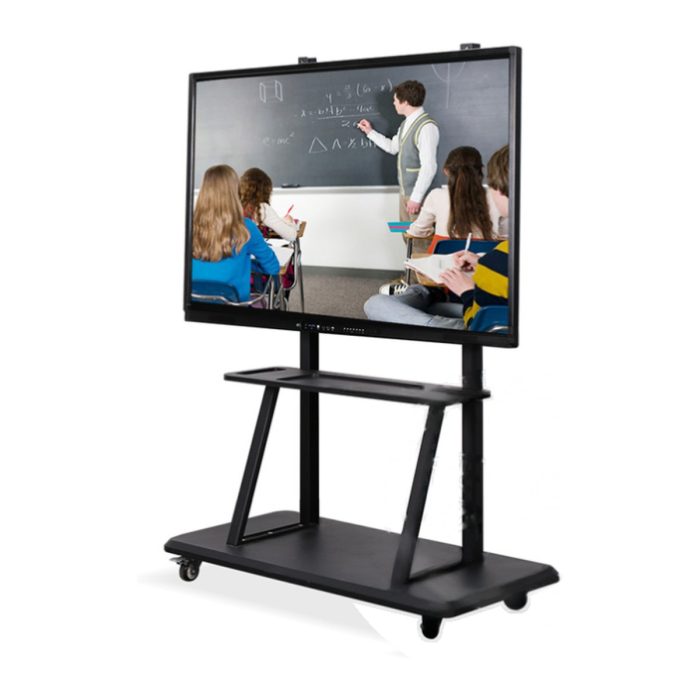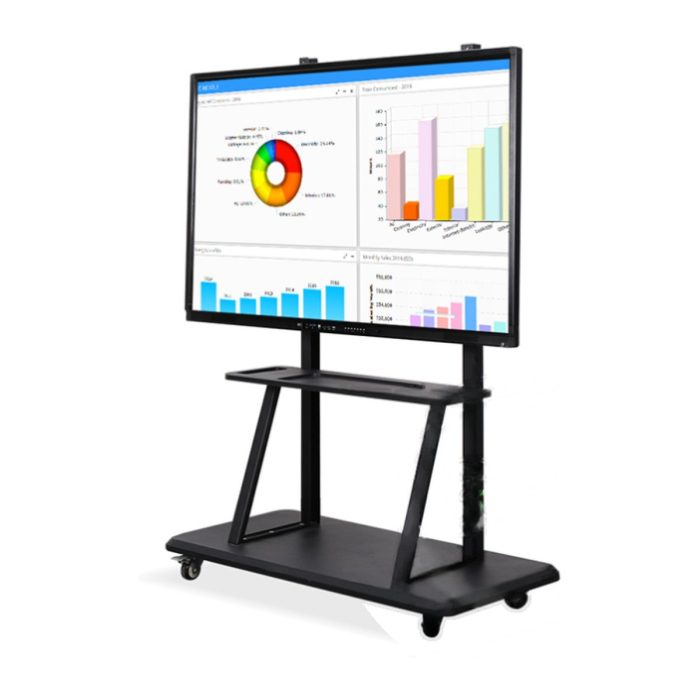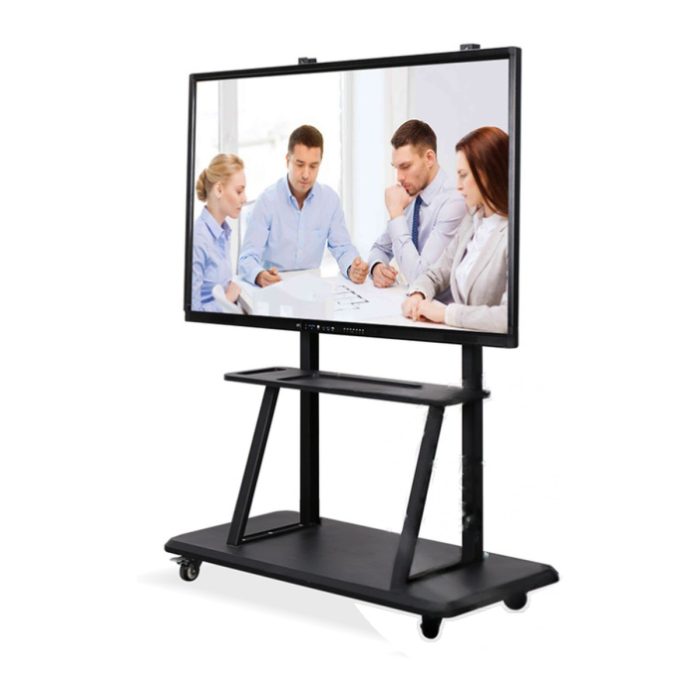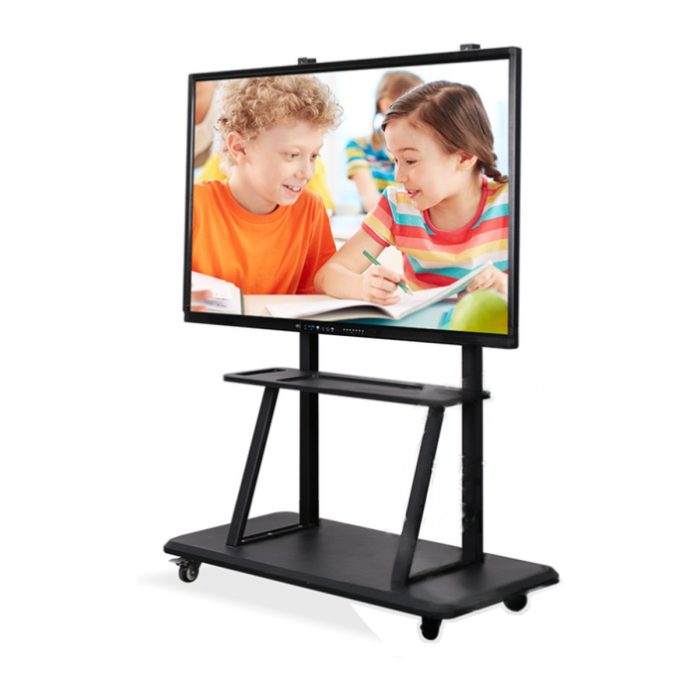
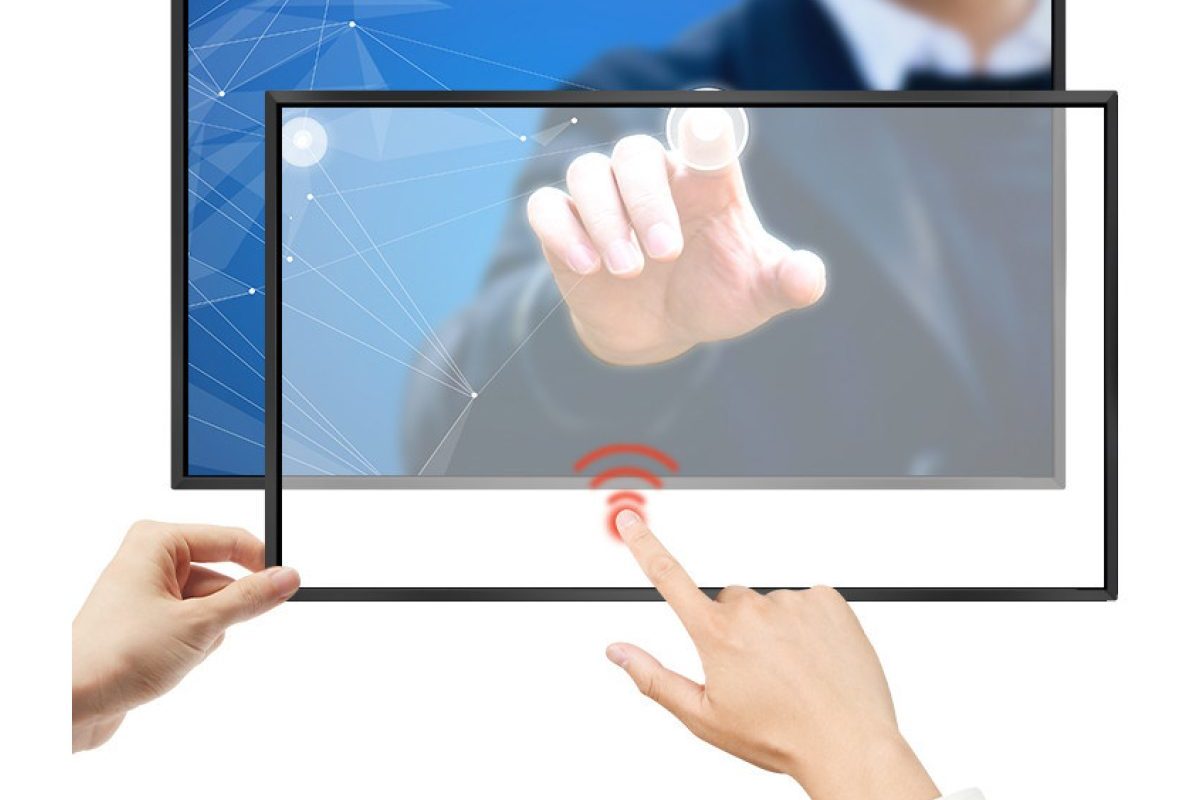
What is a touch screen TV?
A touch screen TV is any television or large monitor that accepts finger or pen input directly on the picture. There are two ways to get one: buy a display with the touch layer built in, or add a touch overlay to a TV you already own. The first is what most people mean by a “touch screen TV”; the second is how schools, meeting rooms and retail spaces convert existing screens without throwing away working hardware.
The search term covers both. People type touch screen tv when they want a 55 inch touch screen TV for a meeting room, a 65 inch touch screen TV for a classroom, or a cheap 43 inch touch screen TV for a kiosk — and increasingly they also search how to make a tv touch screen when they already have a screen on the wall. This guide answers both questions, compares the sizes buyers actually ask for, and explains where the cost really sits.
Touch screen TV vs a smart TV vs an interactive flat panel
These three are often confused, and the confusion costs money.
| Smart TV | Touch screen TV | Interactive flat panel | |
|---|---|---|---|
| Input | Remote and apps only | Finger, pen, gloves | Finger, pen, multi-user |
| Typical sizes | 32″–75″ | 32″–86″ (and larger by frame) | 55″–98″ |
| Touch points | None | 10–40 | 20–40 |
| Built for | Watching | Interaction, wayfinding, self-service | Teaching, whiteboarding, meetings |
| Duty cycle | Consumer, hours per day | Commercial or retrofit | Commercial, 16+ hours |
| Software | Vendor app store | Whatever the attached PC runs | Built-in whiteboard and OPS slot |
| Best value when | You only need playback | You need touch on a budget | You need writing and collaboration |
The practical difference: a smart TV plays content, a touch screen TV lets people use it, and an interactive flat panel is a touch screen TV with a whiteboard, wireless casting and an OPS computer slot built in. If the job is “visitors tap to find a room”, a retrofitted touch screen TV is enough. If the job is “teachers write on it for six hours a day”, buy an interactive flat panel.
How to turn a TV into a touch screen
This is the question buyers ask most often, and the answer is simpler than expected. An infrared touch frame is a four-sided aluminium frame with LEDs and photodetectors. You mount it around the display, connect USB, install the driver and calibrate. The screen itself is never opened, so the TV keeps its picture quality and its warranty, and the frame can be moved to the next screen later.
Three things decide whether the retrofit works:
- Aspect ratio. Frames are sold in 16:9 sizes that match common TVs — 32, 43, 55, 65, 75 and 86 inch are standard, and custom sizes are cut for anything else. Measure the active picture area, not the plastic bezel.
- A flat, rigid surface. IR works over any flat front, including a TV panel, a projection screen or a shop window. A curved TV cannot take a rigid frame.
- Where the computer lives. The frame needs USB for touch data and the TV needs HDMI for the picture. If you want one cable to the wall, put a small embedded box PC behind the panel.
If you need a sealed, flush front instead of a frame, a projected capacitive overlay is bonded onto the glass. It looks better and supports finer pen input, but it has to match the exact panel and is usually specified with the display rather than added later.
The sizes buyers actually search for
Size is the strongest signal in touch screen TV searches, and the demand is concentrated in five formats. Each one maps to a different job.
| Size | Typical use | What to check |
|---|---|---|
| 32 inch touch screen TV | Meeting huddle rooms, retail end caps, clinic check-in | 10-point touch is enough; verify VESA and wall load |
| 43 inch touch screen TV | Kiosks, restaurant menu boards, hotel lobby wayfinding | Brightness for the room, sealed frame if outdoors |
| 55 inch touch screen TV | Classrooms, showrooms, video walls in pairs | 20-point touch, anti-glare glass, pen accuracy |
| 65 inch touch screen TV | Standard classroom and boardroom panel | 4K, OPS slot if you plan to upgrade the PC |
| 86 inch touch screen TV | Lecture halls, large meeting rooms, control rooms | Frame rigidity, delivery access, lifting plan |
Two patterns are worth knowing. First, above 65 inches the cost per inch of an infrared frame falls well below a capacitive panel of the same size, which is why a 86 inch touch screen TV is almost always an IR build. Second, below 32 inches most projects are better served by an all-in-one industrial panel PC, because a monitor plus a frame plus a mini PC no longer saves money.
What a touch screen TV actually costs
Buyers searching touch screen tv price usually get two unhelpful answers: a consumer price with no duty cycle, or a project quote with no breakdown. A more useful way to think about it is by what you are paying for.
- The touch layer. An IR frame is a fraction of the display cost and scales with perimeter, not area. A capacitive overlay is priced closer to the panel itself.
- The display. Commercial panels cost more than consumer TVs because of brightness, 16/7 duty cycle, port placement and serviceability — not because of the glass.
- The computer. Android or Windows, fanless or not, and whether the platform can be replaced in three years via an OPS adapter card.
- Integration. Mounting, cable routing, driver tuning, calibration and the software layer are frequently the largest line item in a real project.
Ask for a quote that separates these four. A single number cannot be compared with another single number, and the cheapest frame is rarely the cheapest installation.
Where touch screen TVs are being deployed
The demand is not consumer — it is commercial and institutional. The projects we quote most often fall into five groups.
- Education. A 65 or 75 inch touch screen TV with a whiteboard app replaces a projector and a whiteboard in one wall. Where the budget is tight, schools retrofit existing TVs with a frame first and buy interactive flat panels for the rooms that need writing.
- Meeting rooms. A 55 inch touch screen TV on a mobile stand is the fastest way to make a room collaborative without a renovation.
- Retail and hospitality. Self-ordering, product finders and menu boards. A 43 inch touch screen TV is the volume seller here; see the digital signage range for the commercial-grade equivalents.
- Wayfinding and public information. Lobbies, hospitals and transport hubs, where a sealed industrial touch monitor is often the better long-term choice than a retrofitted TV.
- Showrooms and control rooms. Large formats used as an interactive wall, usually driven by one PC and mirrored across screens.
For a broader view of which sector needs which specification, the application guide across 12 industries breaks down the IP rating, touch technology and I/O each one typically specifies.
Decision checklist before you buy
- Start from the job, not the size. “People tap to look something up” and “people write on it together” lead to different products.
- Measure the picture area. Frames are matched to the active area; a 55 inch label on the box is not a guarantee.
- Count the simultaneous users. 10-point touch serves one or two people; classrooms and whiteboards need 20 points or more.
- Decide on the computer early. Android for kiosks and signage, Windows for MES, SCADA, machine vision and legacy software.
- Check the duty cycle and the warranty. A consumer TV run 14 hours a day will fail long before a commercial panel does.
- Ask for the exact configuration tested. “Touch available” is not a specification; the model, size, port layout and driver version are.
What Seabird manufactures
We build the touch layer, not just resell it. Our factory in Huizhou produces infrared touch frames from 32 to 110 inches, projected capacitive overlays from 10.4 to 86 inches, sealed interactive whiteboards, complete interactive flat panels from 55 to 98 inches, and the OPS modules that go inside them.
OEM and ODM work is our core business: custom frame sizes, printed branding, logo on the glass, custom packaging and flexible MOQ, with one-piece samples at factory price and CE, FCC and RoHS documentation for every model. We have been doing this since 2011 and ship to more than 120 countries.
Send us the size, the room, the number of users and whether the screen already exists, and we will reply with a configuration, a drawing and a factory price within 24 hours on working days.
Frequently asked questions
Can any TV be turned into a touch screen TV?
Any flat TV or monitor can take an infrared touch frame, as long as you measure the active picture area and the frame has a clear line of sight around the perimeter. Curved panels and screens with very thick or uneven bezels are the usual exceptions.
Is a touch screen TV the same as an interactive whiteboard?
No. A touch screen TV adds input to a display. An interactive whiteboard or interactive flat panel adds multi-user writing, annotation software, wireless casting and usually an OPS computer slot. Many panels are sold as touch screen TVs but behave like whiteboards once the software is installed.
How many touch points do I need?
Ten points is plenty for wayfinding, self-service and one-to-one meetings. Classrooms, boardrooms and anything where two or more people touch the screen at once should specify 20 points or more, and 40 points for collaborative tables.
Does a touch overlay reduce picture quality?
An infrared frame sits outside the image area, so the picture is untouched. A capacitive overlay adds one layer of glass, which is why optically bonded versions with anti-glare and anti-reflective treatment are specified for bright rooms.
Can a touch screen TV run 24 hours a day?
A consumer TV cannot. For continuous operation specify a commercial-grade panel with a documented duty cycle, fanless cooling and a brightness rating measured on the finished product rather than on the bare LCD.