
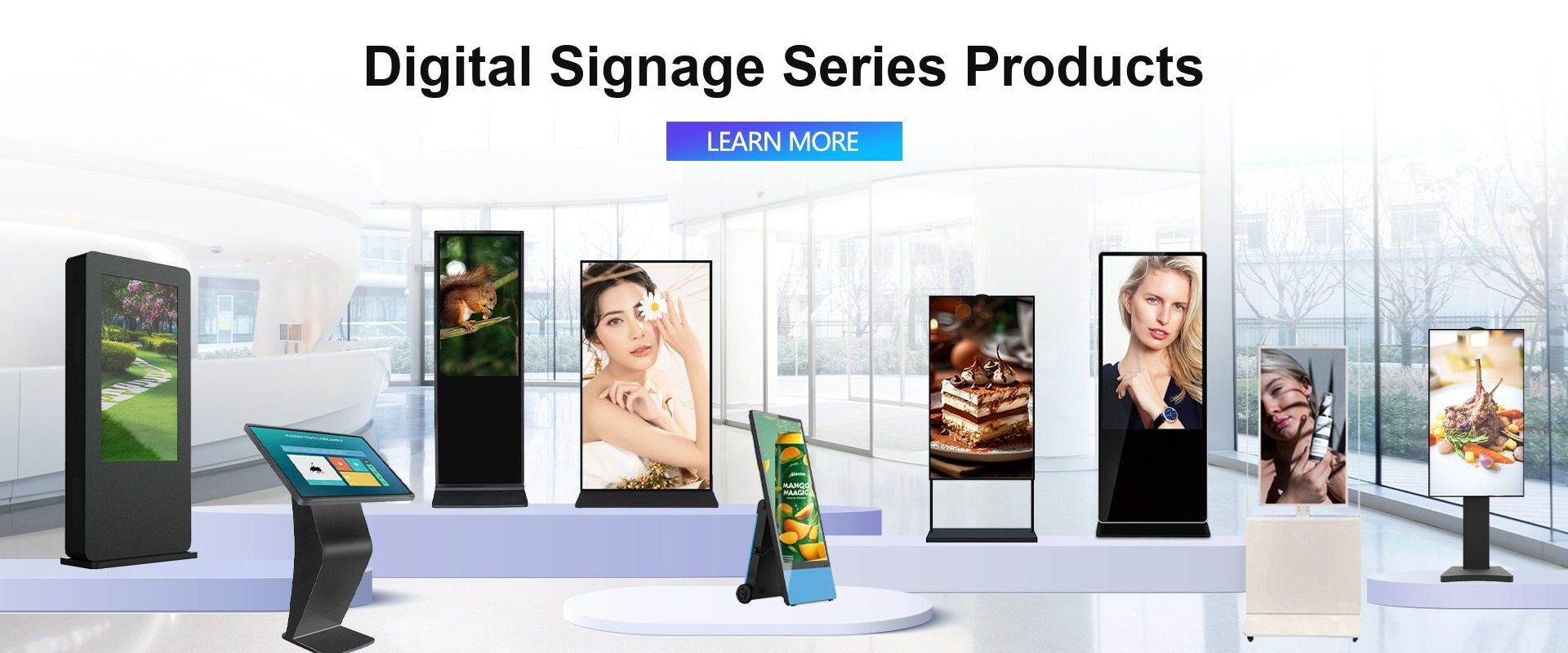
Touch screens are no longer a display accessory — they are the interface
In retail, healthcare, education and logistics, the touch screen has moved from a optional extra to the primary point of interaction. A customer checks in at a kiosk, a nurse reviews a chart on a cart PC, a teacher annotates a lesson on an interactive flat panel, and a warehouse operator confirms a pick on a rugged tablet. Each interaction depends on hardware that works every time.
This article looks at how touch technology is helping four industries grow, and what buyers in each sector should prioritise.
Retail: self-service, queue reduction and retail media
Retailers use touch screens in three ways: self-checkout and self-ordering, staff-facing POS and inventory tools, and customer-facing digital signage. The business case is straightforward — shorter queues, higher basket size, fewer staff hours on repetitive tasks, and a new advertising channel.
A typical installation uses a 15-inch to 27-inch commercial touch display with a capacitive touch screen, a fanless PC and a cloud management agent. For window displays and outdoor menus, brightness and IP rating matter more than processor speed.
What to prioritise: capacitive multi-touch, anti-glare glass, 24/7 operation, remote management, and a bezel that can be cleaned easily.
Healthcare: check-in, bedside and operating-room displays
Hospitals use touch screens for patient check-in, wayfinding, bedside entertainment, medication verification and surgical displays. The requirements are stricter than retail: sealed fronts, disinfectant-resistant surfaces, low acoustic noise, low leakage current and reliable touch with medical gloves.
A medical panel PC usually combines an IP65 front, a fanless enclosure, a capacitive touch screen with glove support, and a mounting system that fits a cart or an arm. In operating rooms, brightness, contrast and colour accuracy become clinical requirements.
What to prioritise: cleanability, fanless design, medical-grade power, glove touch, and a long warranty.
Education: interactive flat panels and hybrid classrooms
Schools and universities have moved from projectors to interactive flat panels. A modern classroom display is a 65-inch to 86-inch 4K panel with 20-point touch, pen input, wireless casting and lesson software. The shift accelerated during the pandemic and has continued as governments invest in digital classrooms.
The practical benefits are visible: teachers annotate directly on the content, students collaborate at the board, and remote learners see the same screen. For schools, the total cost of ownership matters more than the purchase price — a panel that lasts eight years is cheaper than one that fails after three.
What to prioritise: multi-touch, anti-glare glass, pen accuracy, wireless casting, easy device management and a local warranty.
Logistics: rugged tablets and fixed terminals
Logistics operations run on confirmation events: a parcel is picked, loaded, scanned and delivered. Touch screens capture those events at the point of work. Fixed industrial monitors and panel PCs handle dock doors and packing stations, while rugged tablets handle drivers, field service and yard work.
The hardware must survive drops, vibration, dust, rain and long shifts. A hot-swappable battery, a sunlight-readable screen, a barcode scanner and 4G/5G connectivity are often more important than the processor.
What to prioritise: IP65/IP67 sealing, drop resistance, battery swap, scanner integration, and a clear screen in daylight.
Cross-industry lessons
- The touch screen is the brand experience. A slow or inaccurate touch response damages trust more than a slightly lower resolution.
- Serviceability matters. A display that can be repaired or upgraded beats a sealed disposable unit.
- Software determines value. Hardware alone does not reduce queues or improve lessons; the software on top does.
- Total cost of ownership wins. Buyers increasingly compare five-year cost, not purchase price.
How Seabird supports these industries
We manufacture the hardware layer for all four sectors: panel PCs, industrial and outdoor monitors, touch frames and overlays, interactive flat panels, box PCs and OPS modules, and rugged tablets. OEM and ODM projects can be customised for size, interface, firmware, logo and packaging.
If you are building a retail, healthcare, education or logistics solution, send us the environment and the interaction requirement. We will recommend the touch technology and the enclosure that fit, then provide a sample for validation.
Frequently asked questions
Which touch technology is best for retail kiosks?
Projected capacitive touch is the default for indoor kiosks because it supports multi-touch, is sealed and is easy to clean. Infrared is used for large-format or retrofit installations.
Can touch screens be used with medical gloves?
Yes, if the capacitive controller is tuned for glove operation. This should be specified explicitly, because standard consumer controllers may not detect thick gloves.
Are interactive flat panels suitable for universities?
Yes. 75-inch to 86-inch 4K panels with 20-point touch, pen input and wireless casting are widely used in lecture rooms and hybrid classrooms.
What is the advantage of a rugged tablet over a consumer tablet?
IP65/IP67 sealing, drop resistance, hot-swappable batteries, industrial scanners and a longer lifecycle. A consumer tablet is not designed for a warehouse or a construction site.