
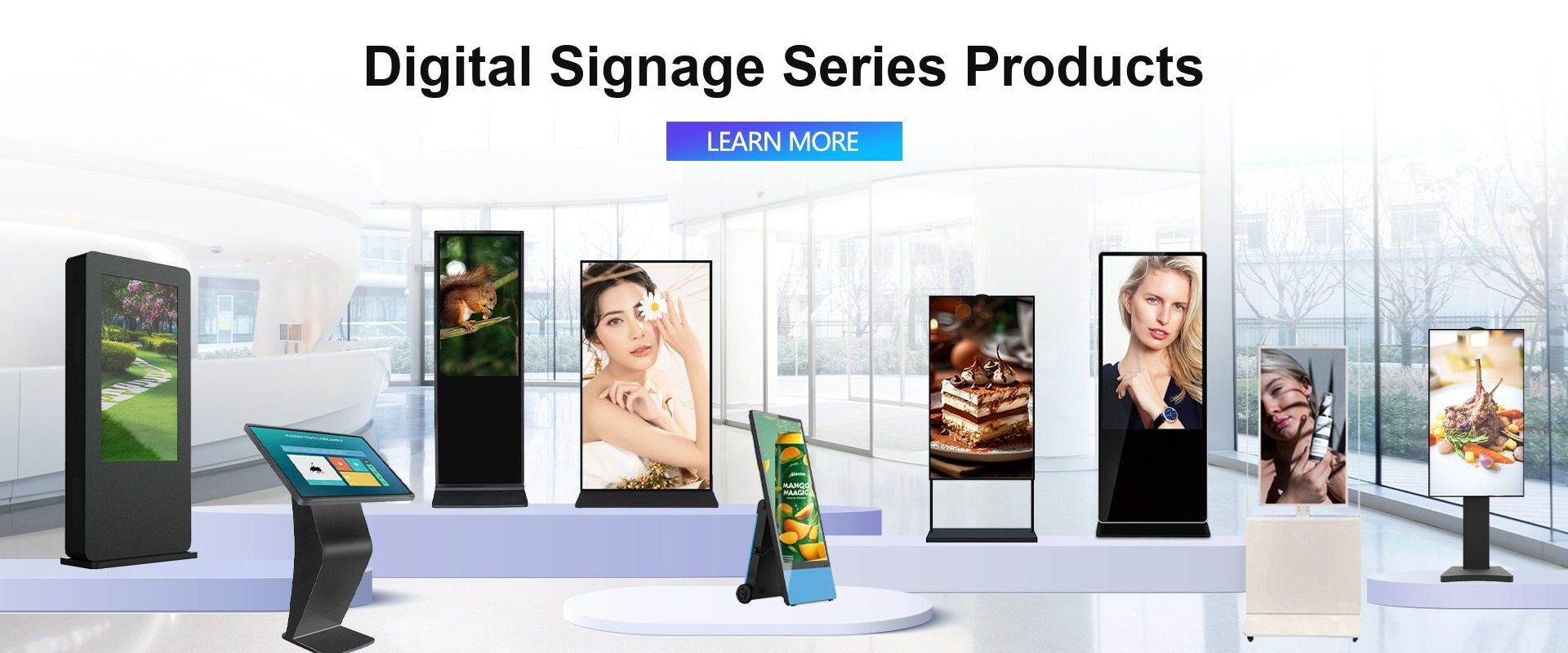
Digital signage in 2026: from screens to retail media networks
Digital signage used to mean a screen on a wall playing a loop. In 2026 it means a managed network: content is generated or selected by software, delivered over the network, measured like any other media channel, and often used to generate revenue rather than only to communicate.
This shift changes what buyers should look for in hardware. A display that only needs to show a video is different from a display that runs an AI model, a media player, a camera and a network stack for eight years.
Trend 1: AI content generation and real-time personalisation
Generative AI has made it cheap to produce variant content for different stores, languages and times of day. The practical implementations in 2026 are:
- AI-generated menu boards that change by daypart and local inventory.
- Computer-vision audience measurement that adjusts content without identifying individuals.
- Predictive scheduling that shows the right promotion when footfall is highest.
- Automated translation for multi-market retail chains.
For hardware, this means more local compute and more thermal headroom. A fanless industrial box PC or a panel PC with an NPU is now a realistic signage player, not an over-specification.
Trend 2: retail media networks
Retailers have discovered that their screens are advertising inventory. In-store retail media is one of the fastest-growing parts of digital out-of-home, and it requires hardware that can prove a screen is on, show the right creative and report playback.
The technical requirements are modest but strict: reliable power, network connectivity, a player that supports scheduling and proof-of-play, and a display with consistent brightness and colour. Commercial-grade panels are preferred because consumer TVs drift in colour and fail earlier under continuous operation.
Trend 3: outdoor and high-brightness growth
Drive-throughs, EV charging stations, bus shelters, fuel stations and high-street windows all need displays that remain readable in sunlight. The specification pattern is consistent: 1,000 to 2,500 nits, anti-glare or optical bonding, IP65/IP66 sealing, wide-temperature operation and fanless cooling.
See our outdoor monitors for the typical configurations.
Trend 4: software-defined players and OPS
The media player is becoming software-defined. Android players dominate cost-sensitive installations; Windows players remain common where the signage is integrated with a corporate IT stack. OPS modules let a display accept either platform without changing the enclosure.
A practical recommendation is to separate the display from the compute. Buy the panel for its brightness, reliability and mounting; buy the OPS PC module for the performance and operating system you need today, and upgrade it later.
Trend 5: sustainability and repairability
Energy efficiency, recyclability and repairability are moving from marketing language into procurement requirements, especially in Europe. Fanless designs reduce dust ingress and fan failures; modular players extend the life of the display; and documented spare parts make repair possible.
Hardware checklist for a 2026 signage project
| Requirement | Recommendation |
|---|---|
| Brightness | 500–700 nits indoor; 1,000–2,500 nits outdoor or window-facing |
| Panel grade | Commercial-grade LCD rated for 24/7 operation |
| Touch | PCAP for interactive kiosks; non-touch for pure advertising |
| Player | Android or Windows box PC, or OPS module for IFP-based installations |
| Connectivity | Ethernet, Wi-Fi, optional 4G/5G |
| Management | Remote monitoring, proof-of-play, OTA updates |
| Enclosure | IP65/IP66 for outdoor; anti-glare or optical bonding for sunlight |
What not to do
- Do not use a consumer TV for a 24/7 commercial installation.
- Do not specify brightness without confirming it on the finished unit.
- Do not forget thermal design for outdoor enclosures.
- Do not lock the project to a player that cannot be replaced.
How Seabird can help
We build commercial digital signage, outdoor high-brightness displays, fanless box PCs and OPS modules, and touch overlays for retrofit projects. Tell us the environment, brightness, size and player platform, and we will propose a configuration with a factory price.
Frequently asked questions
How bright should a digital signage display be?
Indoor retail usually needs 500–700 nits. Window-facing and outdoor installations typically need 1,000–2,500 nits, with anti-glare or optical bonding.
Can I use a consumer TV for digital signage?
It will work initially, but consumer TVs are not rated for 24/7 operation and often lack commercial mounting, control and warranty support.
What is an OPS module used for?
An OPS module is a plug-in PC that gives a display computing power without an external box. It is common in interactive flat panels and commercial signage.
Sources
- MarketsandMarkets, Digital Signage Market — Global Forecast to 2030.
- Industry reports on retail media and programmatic DOOH, 2026.