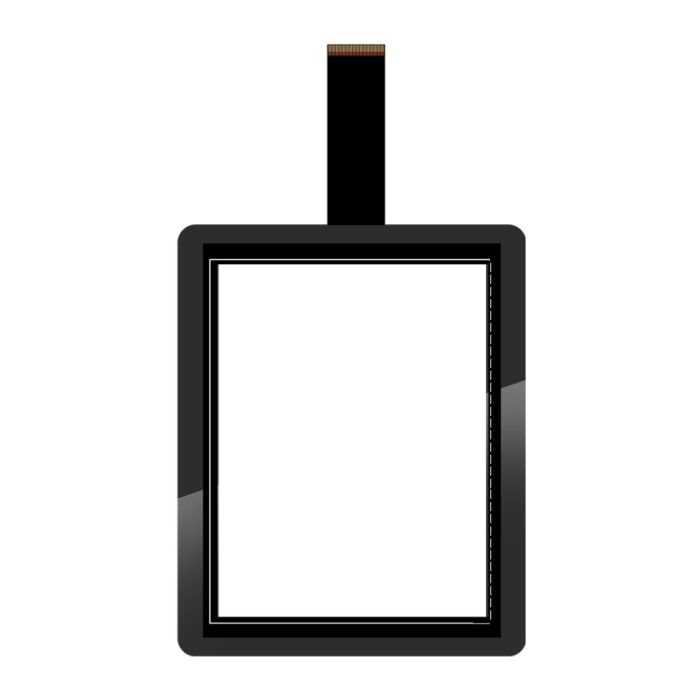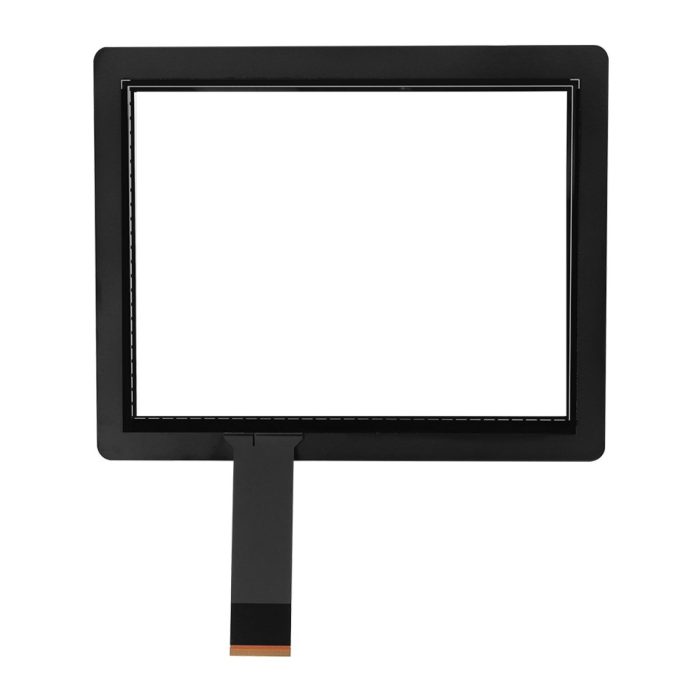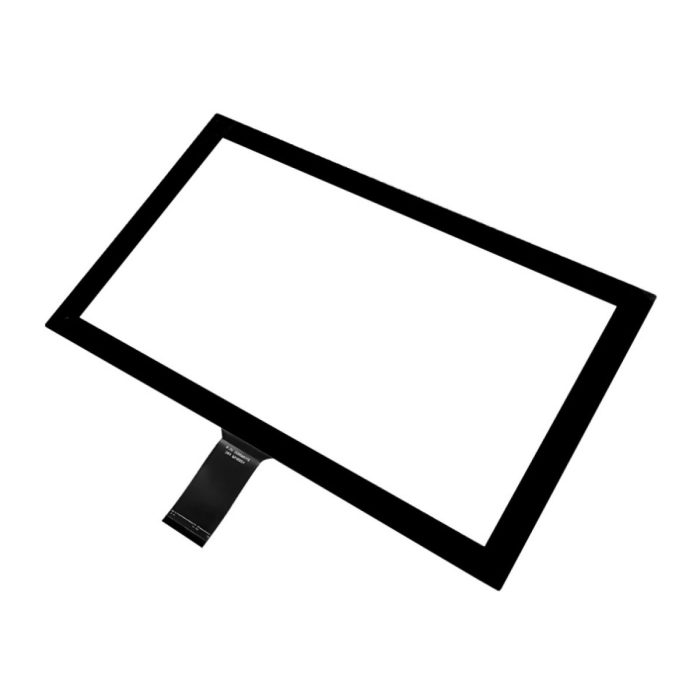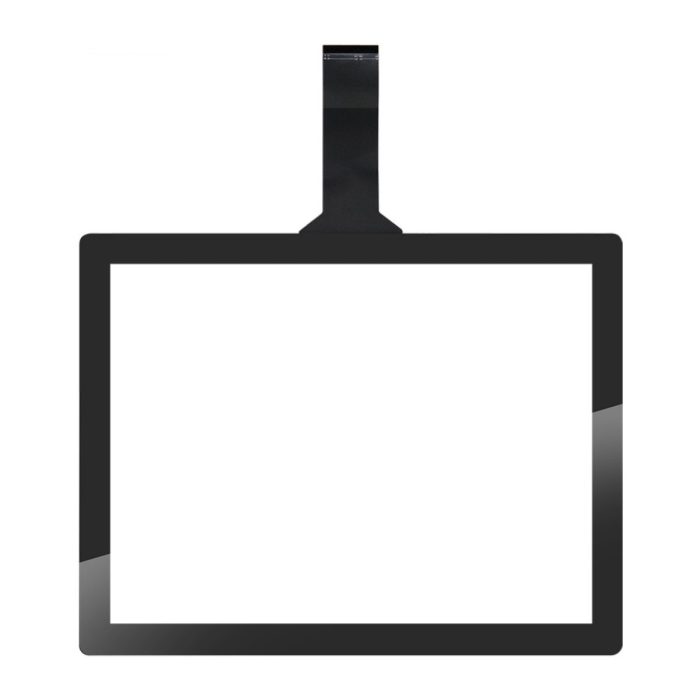
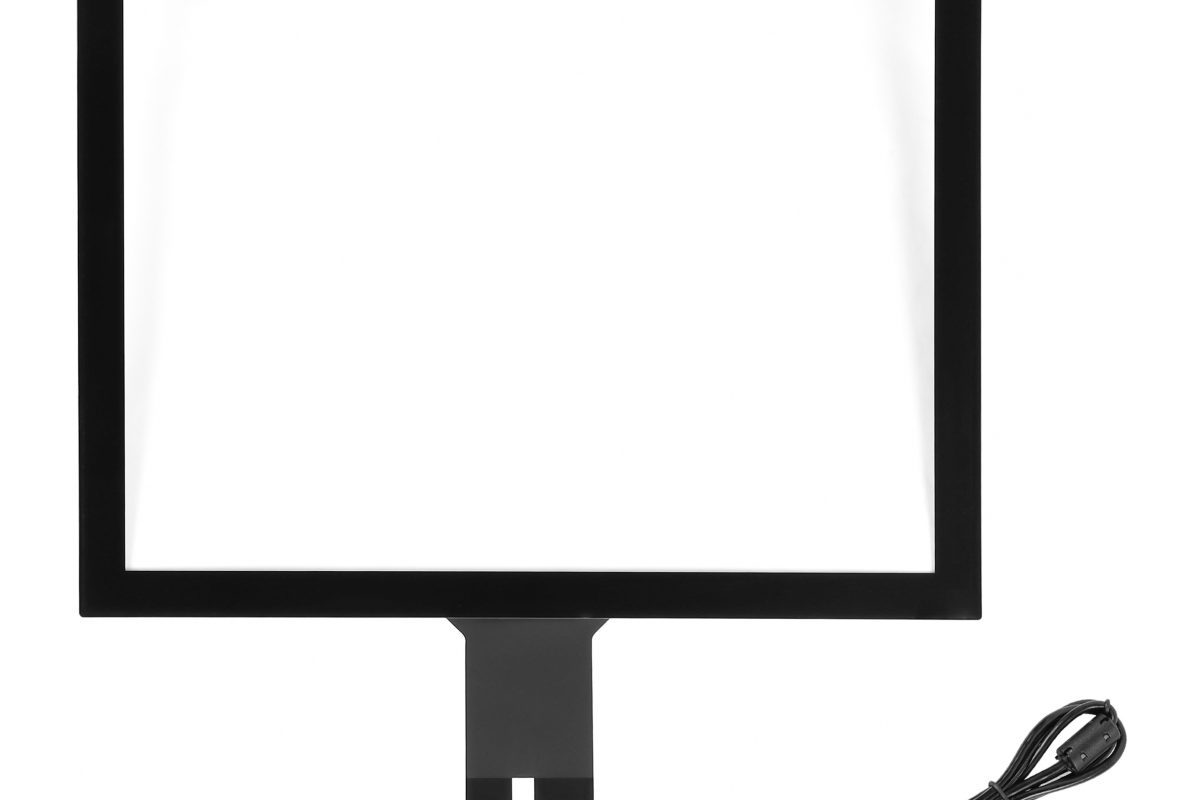
What is a projected capacitive touch screen
A projected capacitive touch screen — usually shortened to PCAP — is a transparent sensor layer that sits in front of a display and reports where a finger is touching. It is the technology inside every smartphone, and the same construction is what industrial, medical and retail equipment now specify when the front of the device has to be sealed glass instead of a frame.
The name describes the method. A grid of fine transparent conductive traces is printed on glass or film: one set of traces runs horizontally, the other vertically. The controller pulses each line and measures the tiny change in capacitance where a finger comes close. Because the finger never has to press anything, there are no moving parts, no layers rubbing together and no air gap that can collect dust. The controller simply reports a coordinate, several times per second, at the point where the capacitance changed.
That is why buyers searching projected capacitive touch screen, PCAP touch screen or capacitive touch screen overlay are usually not choosing a technology for its own sake. They are choosing a front surface that can be bonded to glass, wiped down with chemicals, sealed to IP65 and made to look like a modern product rather than a control panel.
This guide is written from the factory side. It covers the sizes that are actually manufactured, how a PCAP overlay is built and integrated, where capacitive touch beats infrared and resistive, and the specification checklist that prevents a costly mismatch.
How a PCAP overlay differs from the touch screen in a phone
A consumer phone integrates the sensor into the display stack at the panel factory. An industrial capacitive touch overlay is sold as a separate part: a sensor, a cover glass and a controller that the equipment builder mounts over an existing LCD. That difference drives everything an engineer cares about.
Four building blocks make up the overlay:
- Sensor. The ITO trace grid on glass or film, with a flex tail that carries the signals out.
- Cover glass. Chemically strengthened glass, typically with anti-glare or anti-fingerprint treatment, and the surface the customer actually touches.
- Bonding. Either an air gap between glass and sensor, or an optical adhesive that fills it. The choice changes contrast and outdoor readability more than almost any other specification.
- Controller. The IC that drives the grid, calculates coordinates and reports them over USB, I2C or RS232.
Because these are separate decisions, two overlays of the same size can behave very differently. A 21.5 inch panel with a 1.1 mm air-gapped glass and a basic controller is an inexpensive part. The same size with 3 mm chemically strengthened anti-glare glass, full optical bonding and a glove-tuned controller is a different product with a different price. Neither is “better” in the abstract — the application decides.
Standard sizes and what each one is used for
Overlays are produced in the standard LCD formats, so the sensor matches the display underneath without a custom cut. The range we manufacture runs from 10.4 to 86 inches, and the format usually signals the application.
| Size | Format | Typical use |
|---|---|---|
| 10.4″ – 12.1″ | 4:3 | Machine control panels, medical instruments, legacy 4:3 displays |
| 15″ – 19″ | 4:3 | Industrial HMI, laboratory equipment, POS terminals |
| 15.6″ – 23.8″ | 16:9 | Self-service kiosks, check-in desks, compact panel PCs |
| 27″ – 32″ | 16:9 | Restaurant ordering, wayfinding, retail self-checkout |
| 43″ – 55″ | 16:9 | Meeting room displays, mall directories, digital signage |
| 65″ – 86″ | 16:9 | Classrooms, boardrooms, large-format interactive displays |
Two practical notes from the drawing board. First, always specify the active area in millimetres as well as the diagonal, because a 15 inch 4:3 panel and a 15.6 inch 16:9 panel are completely different shapes. Second, check which side the flex tail exits before ordering: a tail that leaves on the wrong edge will not route through the enclosure, and it cannot be changed after lamination.
PCAP vs infrared vs resistive: where capacitive wins
The three technologies are not interchangeable, and the honest comparison is about what the user does with the screen rather than which one is newer.
| Projected capacitive (PCAP) | Infrared (IR) | Resistive | |
|---|---|---|---|
| Input | Conductive finger or tuned glove; active pen | Any finger, glove or stylus | Pressure: finger, glove, any stylus |
| Touch points | 10 or more | 10–40 | One |
| Front surface | Sealed glass, flush and easy to clean | Frame around the display, deeper bezel | Soft film, an extra layer over the LCD |
| Sealing | IP65 or IP67 achievable when bonded | Frame-dependent; waterproof versions exist | Limited by the film edge |
| Optics | Best when optically bonded | Slight loss at the frame | Dullest of the three |
| Cost per inch | Lower below roughly 32 inch | Lower above roughly 43 inch | Lowest at small sizes |
| Retrofit to an existing TV | Difficult | Easy | Not practical |
Capacitive wins when the front of the product must be glass: medical devices that get wiped with disinfectant, kiosks in a food environment, retail terminals where a phone-like feel matters, and any enclosure that has to meet IP65 at the front face. Infrared wins on very large displays and on retrofits, and on any project where the user must be able to write with an arbitrary stylus. Resistive still wins where the cheapest reliable touch layer matters and gestures are not needed.
If the project sits on the boundary, our infrared vs capacitive comparison works through the same decision in more detail, and the resistive touch screen guide covers the third option.
Gloves, wet hands, water and pens
The single most common objection to capacitive touch in industry is that it “does not work with gloves”. That is true of a phone configured for a bare finger, and it is a solvable problem rather than a limitation of the technology.
A capacitive controller measures a change in capacitance against a baseline. A thick nitrile or leather glove reduces that change, sometimes below the default threshold. The fix is to raise the sensitivity and re-tune the baseline during commissioning, which is why a glove requirement must be stated at the quotation stage rather than discovered in the field. Specify the glove material and thickness, and ask the supplier to confirm the controller has been tuned for it.
The same applies to water. A film of water on a capacitive surface can be read as a touch, and heavy spray can cause ghost touches. Bonded construction with a sealed edge and a controller configured for moisture rejection handles most wash-down and outdoor installations; a permanently wet surface with flowing water is a genuinely difficult case and should be tested with a sample before a production order.
For handwriting and annotation, an active pen designed for the controller gives fine, pressure-aware input. A cheap plastic stylus intended for a resistive panel will not work on PCAP at all, because it carries no charge. Where the workflow depends on “any pen will do”, infrared or resistive is the honest choice.
Optical bonding and why it matters outdoors
If the overlay is mounted with an air gap, there are two extra glass-to-air surfaces in the light path. Some of the backlight is reflected back inside the stack and never reaches the user, and ambient sunlight reflects off the surfaces and washes the image out. The visible result is lower contrast and a greyer black.
Optical bonding fills that gap with a transparent adhesive. Light passes from the LCD into the cover glass with far fewer internal reflections, so contrast improves and the display stays readable in bright light. It also removes the layer that could fog with condensation, and it makes the assembly mechanically stiffer, which matters on large panels that would otherwise flex.
Bonding is not free and it is not always necessary. For an indoor kiosk in controlled lighting, an air gap is perfectly adequate and keeps the cost down. For an outdoor unit, a high-brightness display or any product used near windows, bonding is usually the difference between “readable” and “not readable”, and it should be specified together with the display brightness, not afterwards.
Interface and integration checklist
Most problems with capacitive overlays are mechanical or electrical mismatches discovered after the parts arrive. A short checklist at the quotation stage prevents nearly all of them.
- Size and ratio. Diagonal, active area in millimetres, 4:3 or 16:9, and the required cover glass outline.
- Flex tail exit. Which edge, and how much clearance the enclosure gives for the bend radius.
- Cover glass. Thickness, chemically strengthened or not, anti-glare or clear, and any printed black border or logo.
- Bonding. Air gap or optical bonding, decided together with the display and the environment.
- Interface. USB HID for a plug-and-play connection to a Windows, Linux or Android host, or I2C/RS232 for embedded boards without USB host support.
- Input requirement. Bare finger, glove material and thickness, active pen, and whether wet operation must be supported.
- Sealing. The IP rating required at the finished front face, and how the overlay is gasketed to the enclosure.
- Environment. Operating temperature range, cleaning chemicals, UV exposure, and expected touch cycles per day.
- Documentation. 2D drawing, controller datasheet, connector pinout, and CE, FCC and RoHS certificates.
Send those nine answers with the mechanical drawing and the factory can quote a real equivalent instead of a lookalike. It also makes the sample stage fast, because the first article is already the right article.
What Seabird manufactures for capacitive touch projects
We build projected capacitive touch overlays in Huizhou from 10.4 to 86 inches, covering the 4:3 sizes used by industrial and medical equipment and the 16:9 sizes used by kiosks, meeting room displays and large-format signage. Anti-glare glass, optical bonding and glove-tuned controllers are configuration options rather than separate product lines.
Because the same factory produces the infrared touch frame, the resistive touch panel, the industrial touch monitor, the industrial panel PC and the interactive flat panel, a customer can compare the technologies on real quotations instead of guessing, and can source the whole assembly from one supplier.
OEM and ODM work covers custom active areas, cover glass thickness and treatment, printed borders, flex tail position, controller choice and packaging, with flexible MOQ and one-piece samples at factory price. Every unit goes through incoming inspection, ageing and 100% final inspection before shipment, with CE, FCC and RoHS documentation as standard.
Send the size, the environment, the glove or pen requirement and the drawing, and we will reply with a matched configuration, a dimension drawing and a factory price within 24 hours on working days.
Frequently asked questions
What does PCAP mean on a touch screen?
PCAP stands for projected capacitive. It describes a sensor made of a fine transparent conductive grid that detects a finger by the change in capacitance at each intersection, rather than by pressure or by interrupting a light beam. It is the same technology used in smartphones, packaged as an overlay that an equipment builder mounts over an LCD.
Does a capacitive touch screen work with gloves?
Yes, provided the controller is tuned for the glove. A thick nitrile or leather glove reduces the capacitance change and can fall below a controller’s default threshold, so the sensitivity has to be adjusted and the baseline re-set during commissioning. Specify the glove material and thickness when requesting a quotation so the tuning is done before delivery.
Can I add a capacitive overlay to an existing monitor or TV?
It is possible but rarely practical. A capacitive overlay must match the active area of the display and usually has to be bonded or gasketed into the front of the enclosure, so it is not a peel-and-stick retrofit. If the goal is to turn an existing TV or monitor into a touch screen, an infrared touch frame is the appropriate part.
How many touch points does a PCAP overlay support?
Industrial controllers in current use report ten or more simultaneous points, which covers two-handed gestures, multi-user annotation and palm rejection. The number of points is a controller and firmware property, so confirm it alongside the operating system driver requirement rather than assuming it from the size of the panel.
Is optical bonding worth the extra cost?
For an indoor unit in controlled lighting, an air gap is usually fine. For outdoor displays, high-brightness panels, or any product installed near windows, bonding measurably improves contrast and readability and is normally worth it. It also prevents internal condensation and stiffens large panels, which reduces flex during transport.
What is the difference between capacitive and resistive touch?
A capacitive overlay senses a conductive finger and supports multi-touch, with a hard glass front that can be sealed and cleaned. A resistive panel senses pressure, so any glove or stylus works, but it is single-touch, has lower light transmission and its top film wears with use. Choose capacitive for gestures and a sealed glass front, resistive for the lowest cost and any-stylus input.