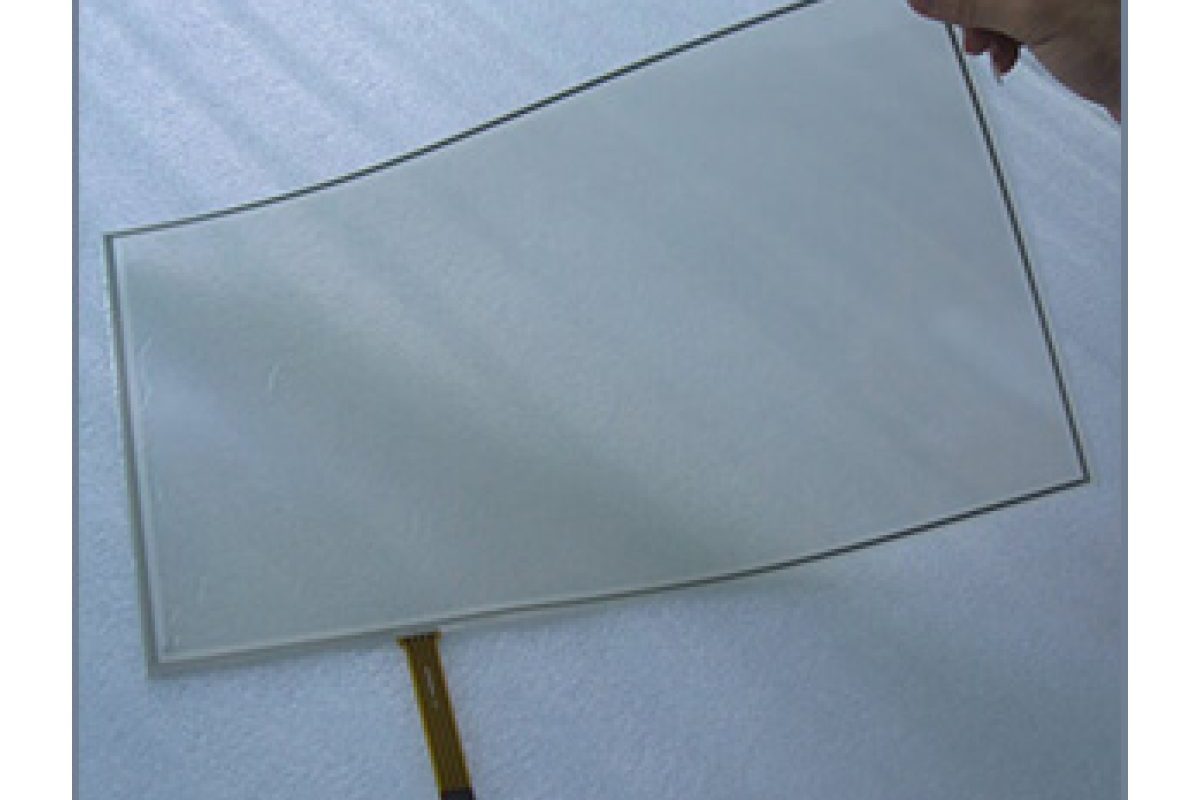
What is a resistive touch screen
A resistive touch screen is a pressure sensor laid over a display. Two transparent conductive layers face each other across a narrow air gap; when a finger, gloved hand or stylus presses the surface, the layers make contact and the controller reads the voltage at that point as an X and Y coordinate. There is no need for a conductive finger, so the panel works with any glove, with a plastic stylus, with a wet hand and with a pen taped to a vandalised kiosk.
That single property keeps a mature technology in service long after capacitive touch took over the phone market. Buyers searching resistive touch screen, 4 wire resistive touch screen or 5 wire resistive touch screen are usually not buying a consumer product — they are maintaining a CNC machine, a POS terminal, a medical device or a vending machine whose firmware and housing were designed around a resistive panel and cannot be changed.
This guide is written from the factory side. It explains how 4-wire and 5-wire panels actually differ, when a resistive touch screen monitor is still the right engineering choice, what the industrial specifications mean, and how to specify a replacement without re-qualifying the whole product.
4 wire vs 5 wire resistive touch screen
The two families are named after the number of electrical connections to the sensor. Both are analog, both read a single touch at a time, and both are pressed by the user rather than sensed by capacitance. The difference is in how the coordinate is measured, and that decides durability and drift.
A 4 wire resistive touch screen uses two layers: one conductive layer carries the X axis, the other carries the Y axis. The controller alternates a voltage across each layer and measures the drop where the press shorts them together. It is the simplest, cheapest construction and it works well — but every press flexes the same two layers, and the top layer carries the full current path, so it wears first.
A 5 wire resistive touch screen moves the measurement onto a single stable layer. The bottom layer is a uniform resistive sheet with four corner electrodes; the top layer is only a conductive bridge that connects the press point to that sheet. Because the top film carries almost no current, a scratch or a worn spot on it changes the signal far less. That is why 5-wire panels last longer in high-traffic public terminals.
| 4 wire resistive | 5 wire resistive | |
|---|---|---|
| Sensor layers | X layer plus Y layer, both carry current | Stable resistive sheet plus conductive bridge |
| Cost | Lowest | Moderate, 20–40% above 4-wire |
| Durability | Good for moderate use | Better for heavy public use |
| Drift over life | Increases as the layers wear | Low, the measuring layer barely wears |
| Typical use | Industrial control, hand-held terminals, low-cost kiosks | POS, medical, ticketing, vending in public spaces |
| Controller | Simple 4-wire controller | Needs a 5-wire capable controller |
The honest summary: choose 4-wire when the panel is pressed lightly and the budget is tight, and 5-wire when the same screen will be stabbed by the public all day. Neither is a substitute for capacitive touch on a smartphone-style interface, and neither should be sold as such.
Where a resistive touch screen still wins
Capacitive touch is better for gestures, multi-touch and the look of a modern front glass. Resistive still wins in five situations, and those five are the reason the category has not disappeared.
- Gloved and dirty hands. A resistive panel does not need skin contact, so a greasy glove on a factory floor or a nitrile glove in a cleanroom works the same as a bare finger.
- Any stylus. A plastic pen, a fingernail, a taped-on pen at a vandalised kiosk — anything that applies pressure works. There is no stylus pairing and no ghost touch from rain or spray.
- Lowest cost per inch. For a small 5.7–15 inch screen in a device that ships in volume, a 4-wire panel is the cheapest reliable touch layer available.
- Legacy hardware. Machine builders and medical device makers often have firmware, drivers and enclosures qualified around a resistive controller. A drop-in replacement keeps the certification intact.
- No false touches outdoors. Rain, condensation and strong sunlight cause capacitive ghosting; a pressed sensor ignores all three.
If any of those describe the project, the question is not whether to use resistive touch but which construction and which interface. If none of them do, an PCAP capacitive touch overlay or an infrared touch frame is the better engineering answer, and the comparison in our infrared vs capacitive guide explains the trade-offs.
4 wire resistive touch screen working principle and calibration
Understanding the working principle helps when a panel drifts or a replacement does not match. In a 4-wire panel the controller drives the top layer end to end, reads the voltage at the contact and converts it to an X coordinate, then repeats across the bottom layer for Y. The stable sheet in a 5-wire panel is driven from all four corners, and the controller solves the press position from the corner voltages, which is why it needs four wires plus a sense line.
Calibration maps those raw voltages onto screen pixels. It is stored in the driver or in EEPROM, not in the panel, so a straight panel swap usually inherits the old calibration and may read a few millimetres off. When you replace a 4 wire resistive touch screen, budget for a recalibration step and ask the supplier for the pinout and the controller part number before the panel is ordered. A panel with the wrong pinout is not a fit problem — it simply reads inverted or dead on one axis.
Two other numbers decide whether a replacement is genuinely equivalent:
| Specification | What it controls | Typical industrial value |
|---|---|---|
| Surface hardness | Scratch resistance of the top film | 3H pencil hardness minimum |
| Light transmission | Image brightness lost to the touch layer | 78–82% for resistive film |
| Activation force | How hard the user must press | 20–100 g, specify per application |
| Linearity | Accuracy across the whole area | ±1.5% or better |
| Interface | How it connects to the host | USB, RS232, or I2C/SPI board level |
| Operating temperature | Storage and running range | −20 °C to +70 °C common |
Resistive touch screen vs capacitive touch
The comparison that matters is not “old versus new” but “what does the user actually do with the screen”. A resistive panel reads one point and expects a press; a capacitive panel reads several points and expects a light touch. Each behaviour is a feature in one application and a defect in another.
| Resistive | Projected capacitive (PCAP) | |
|---|---|---|
| Input | Any pressure: finger, glove, any stylus | Conductive finger or dedicated stylus |
| Touch points | One | Ten or more |
| Image clarity | Duller, an extra film over the LCD | Clear, can be optically bonded to glass |
| Weather | Ignores rain and spray | Needs tuning for water and gloves |
| Wear | Soft top film scratches with sharp use | Hard cover glass resists scratching |
| Cost | Lowest | Higher, especially above 21.5 inch |
| Best fit | Industrial control, medical, POS, vending | Kiosks, retail, wayfinding, modern HMI |
One practical rule from the factory: below roughly 15 inch, a resistive panel is often the cheapest way to add reliable touch to a device, and above 21.5 inch the cost and durability gap makes PCAP or infrared the sensible choice. A resistive touch screen monitor above 24 inch exists, but it is a niche product for retrofit and defence rather than a mainstream catalogue item.
Sizes, interfaces and how the panel is built
Resistive panels are cut from film and glass in standard formats and bonded to a bezel, a monitor or a bare LCD. Buyers usually need one of three deliveries, and the choice changes the price more than the sensor itself.
- Bare film or glass sensor. The touch layer only, with a flex tail. The buyer owns the integration, the controller board and the calibration.
- Sensor plus controller. A panel with a USB or RS232 controller that enumerates as a standard HID mouse. This is the fastest route to a working retrofit.
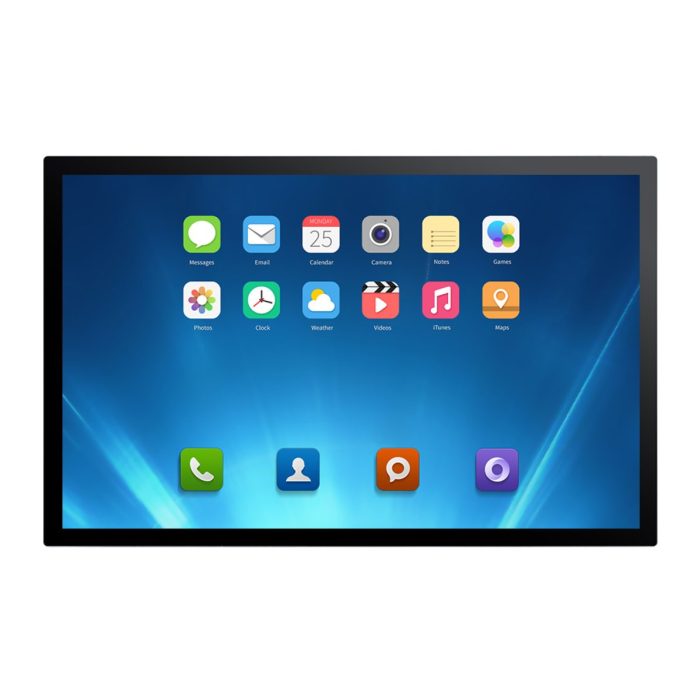
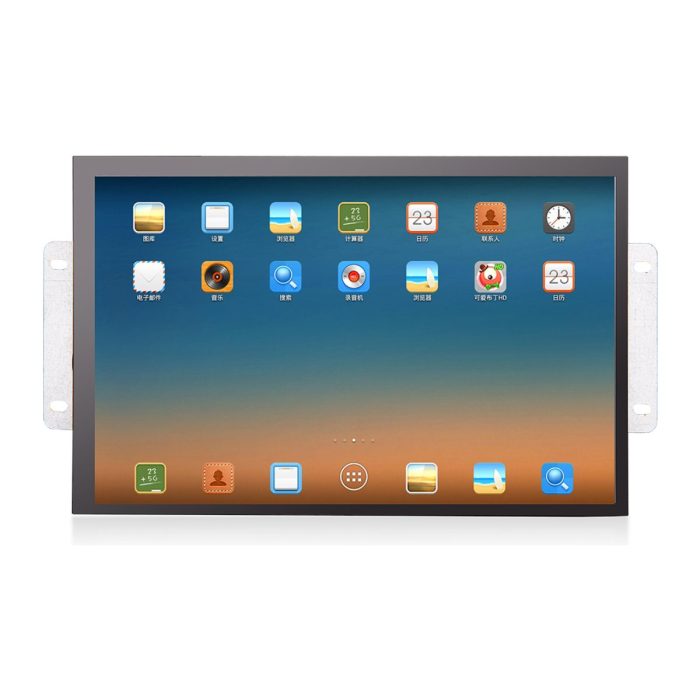
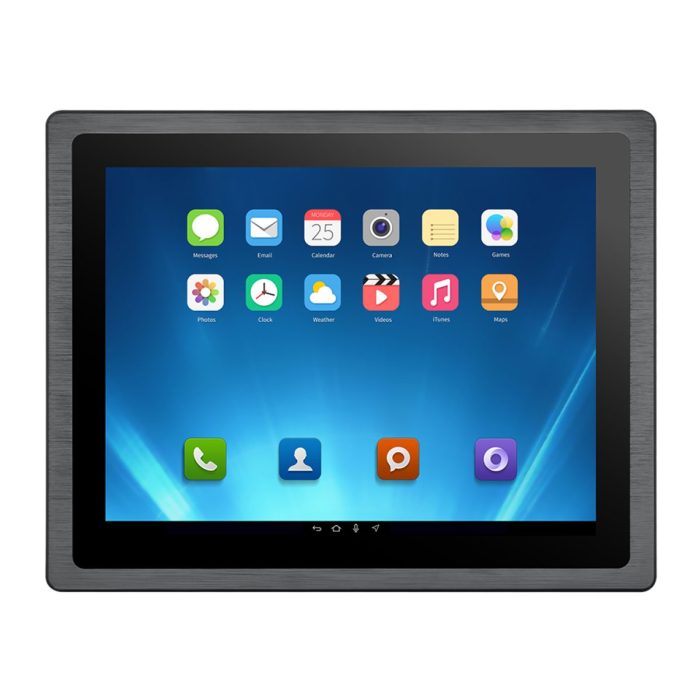
- Complete touch monitor. A resistive panel bonded or framed onto an industrial LCD with a housing, ready to mount.
Standard sizes run from about 5.7 inch for hand-held terminals up to 23.8 inch for control-room monitors, with 7, 10.1, 12.1, 15, 15.6, 17, 19 and 21.5 inch being the formats most often specified. A 4:3 panel and a 16:9 panel of the same diagonal are different tools; check the drawing rather than the inch figure. Our resistive touch overlay range covers 5.7–23.8 inch in 4-wire and 5-wire versions with USB and RS232 controllers.
Specification checklist before you order
Most returns in this category come from a mismatch that a five-minute checklist would have caught. Send these answers with the drawing and the controller part number, and a factory can quote a real equivalent instead of a lookalike.
- Construction. 4-wire or 5-wire, and whether the existing controller must be reused.
- Size and ratio. Diagonal, active area in millimetres, 4:3 or 16:9, and the tail exit side.
- Interface. USB HID, RS232, I2C/SPI board level, or bare flex with your own controller.
- Input. Finger only, gloved, stylus, or a mix; required activation force.
- Surface. Anti-glare or clear, pencil hardness, and whether a hard coat is needed.
- Environment. Temperature range, IP requirement of the finished assembly, cleaning chemicals.
- Optics. Required transmission, and whether the panel will be air-gapped or bonded.
- Life. Expected presses per day and service life, so 4-wire versus 5-wire can be justified.
- Documentation. Drawing, pinout, controller datasheet and CE, FCC and RoHS certificates.
What Seabird manufactures for resistive touch projects
We build resistive sensors and complete touch assemblies in Huizhou and ship them as components or as finished monitors. The range covers 4-wire and 5-wire resistive touch overlays from 5.7 to 23.8 inch, the 10.1–23.8 inch 4-wire resistive touch film for OEM integration, and industrial touch monitors that accept either a resistive or a PCAP capacitive overlay depending on the project.
OEM and ODM work is the core of the business: custom active areas, tail position, anti-glare treatment, controller choice, connector layout, logo printing and packaging, with flexible MOQ, one-piece samples at factory price and CE, FCC and RoHS documentation for every model. For a machine builder replacing a discontinued panel, send the drawing, the pinout and the controller part number and we will confirm whether the original behaviour can be matched.
Send the nine checklist answers, the mechanical drawing and the controller details, and we will reply with a matched configuration, a dimension drawing and a factory price within 24 hours on working days.
Frequently asked questions
What is the difference between a 4 wire and a 5 wire resistive touch screen?
A 4-wire panel measures the press on two current-carrying layers, so the same films flex and wear with every touch. A 5-wire panel measures the press against one stable resistive sheet using a conductive top layer that carries almost no current. The 5-wire construction costs 20–40% more and drifts less over a long public-service life; the 4-wire is cheaper and adequate for light industrial use.
Does a resistive touch screen work with gloves?
Yes. Resistive touch responds to pressure, not to skin capacitance, so any glove, fingernail, plastic stylus or pen works. That is the main reason resistive panels are still specified on factory floors, in cleanrooms and in cold stores where operators wear gloves all day.
Can a resistive touch screen do multi-touch?
No. Standard 4-wire and 5-wire panels resolve a single touch point. If the interface needs pinch, zoom or two-finger gestures, specify a projected capacitive overlay or an infrared frame instead; forcing gestures onto a resistive panel produces a poor user experience and support calls.
Why does my resistive touch screen need calibration after replacement?
Calibration maps raw sensor voltages to screen pixels and is stored in the driver or controller, not in the panel. A replacement panel with slightly different linearity inherits the old calibration and can read a few millimetres off. Recalibrate after the swap and confirm the pinout matches before powering on.
Is a resistive touch screen still worth buying in 2026?
Yes, for the specific jobs where it wins: gloved or dirty hands, any stylus, the lowest cost per inch on small screens, legacy hardware that cannot be re-qualified, and outdoor installations where rain must not cause ghost touches. For modern kiosk interfaces with gestures and a flush glass front, capacitive or infrared touch is the better choice.
How much does a resistive touch screen cost?
As a component it is the cheapest touch technology per inch, which is why it survives in volume devices. The price depends far more on size, interface, controller and whether the panel is a bare sensor or a complete monitor than on the sensor film itself. Ask for a bill of materials against your drawing rather than a single unit price.